A single restaurant may only need one loyalty card design, one NFC stand, and a small amount of branded packaging. A restaurant chain or franchise group has a different challenge. Headquarters may need to keep the brand consistent while stores requir...
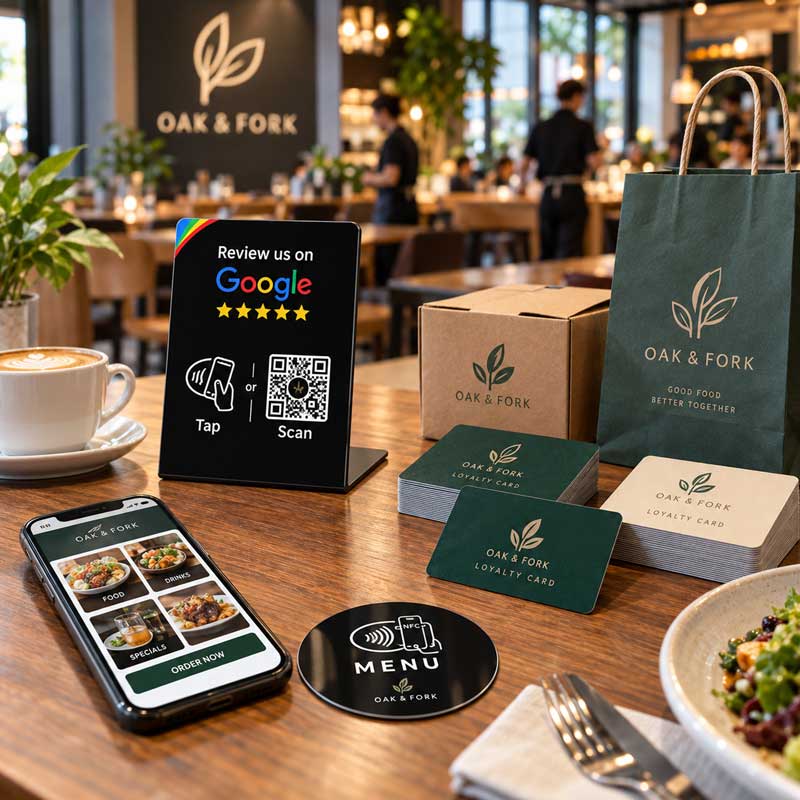
A single restaurant may only need one loyalty card design, one NFC stand, and a small amount of branded packaging. A restaurant chain or franchise group has a different challenge. Headquarters may need to keep the brand consistent while stores require different quantities, branch information, delivery dates, and promotional messages.
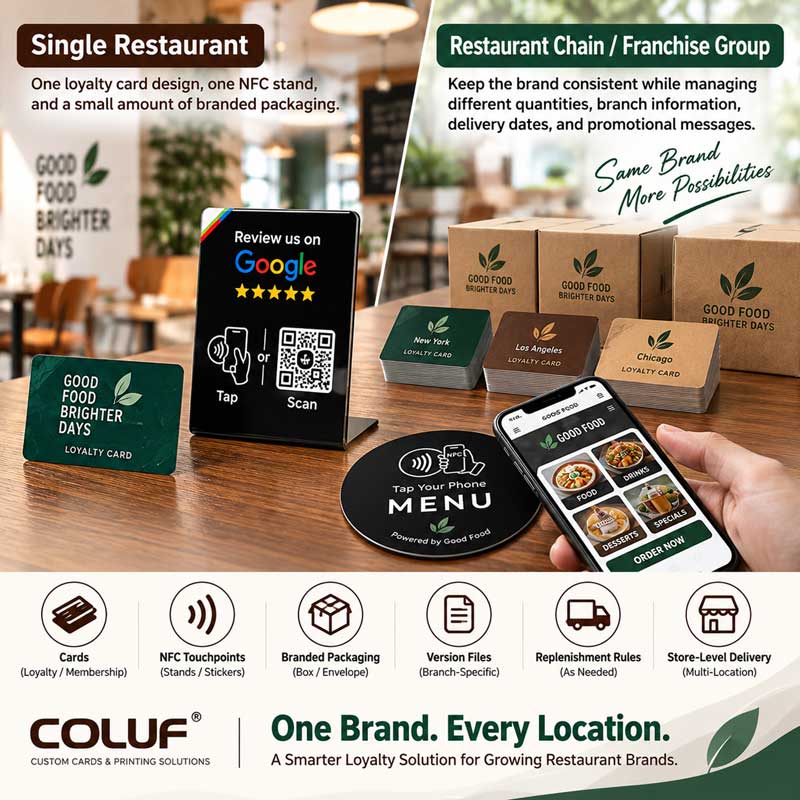
That is why a multi-location loyalty project should not be treated as a simple printing order. It should be planned as a coordinated system of cards, codes, NFC touchpoints, packaging, version files, replenishment rules, and store-level delivery. This approach can help the brand reduce avoidable confusion while giving each restaurant the materials it needs for daily operation.
Why Restaurant Chains Need a Structured Loyalty Materials Plan
One Brand, Many Store Requirements
A chain may use one visual identity while store information varies: a card may carry a branch code, a QR code may open a store page, and quantities may differ by location or campaign.
Headquarters needs a master design, while local teams need approved areas for variations.
The Cost of Uncoordinated Purchasing
The main problem is not always the unit price. Time can be lost correcting files, checking codes, separating quantities, or communicating with several suppliers. A master specification and version-control sheet gives all teams the same production reference.
The Role of Physical Materials in a Digital Program
Restaurant loyalty programs may use an app, POS system, CRM platform, or online account. Physical materials still matter at checkout counters, tables, takeaway areas, and new-store campaigns.
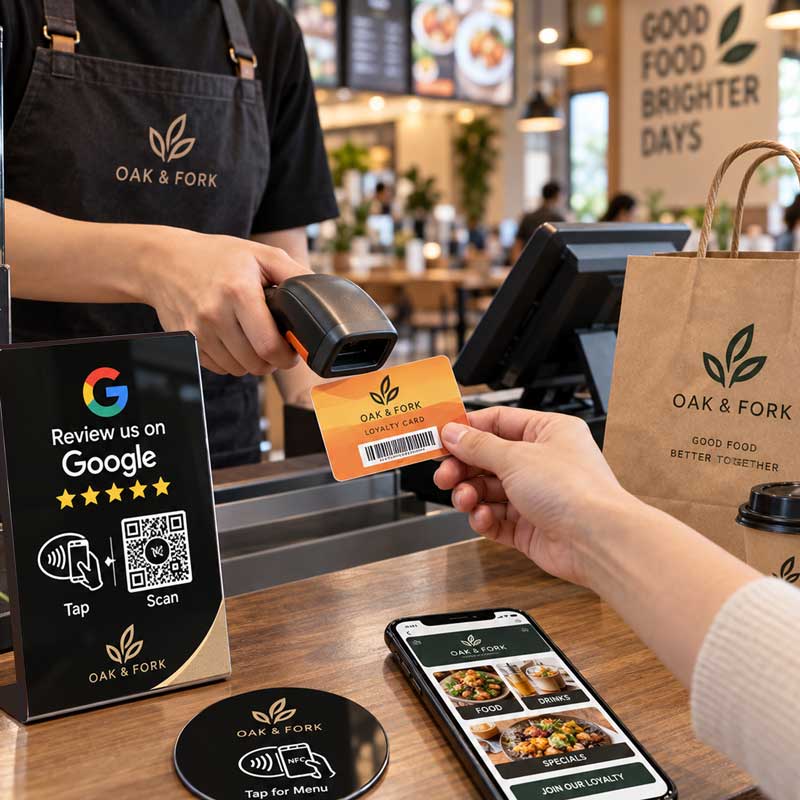
A PVC card, QR code, or NFC stand can guide customers to sign-up, menus, promotions, reviews, or store information. It does not replace restaurant software and must connect to an approved digital destination.
What a Multi-Location Loyalty Solution Can Include
PVC Loyalty and Membership Cards
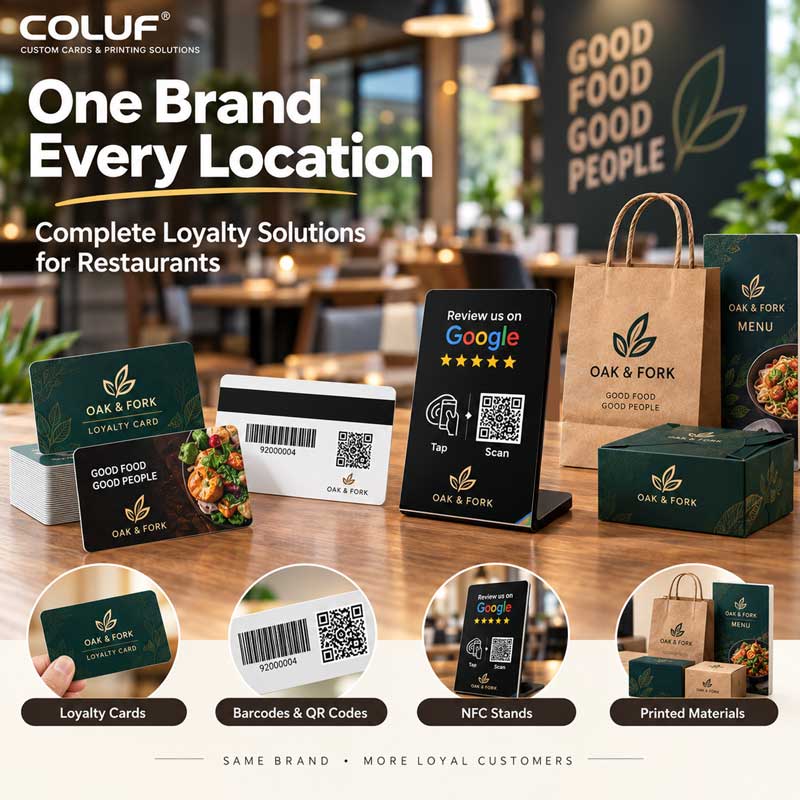
PVC loyalty cards provide a physical membership identifier and consistent brand touchpoint. They may include logo printing, brand colors, member information, barcodes, QR codes, or other approved details. Material, size, finish, and data requirements should follow the restaurant's issuing and scanning process.
Buyers should also define how cards will be issued, scanned, replaced, and replenished at different locations.
Barcodes, QR Codes, and Magnetic Stripes
Barcodes suit existing barcode scanners or POS-linked systems; QR codes can direct customers to sign-up pages, campaigns, or menus; magnetic stripes apply only when the existing system uses compatible readers.
No option is universally best. Confirm the scanner, POS, CRM, or reader the card must work with, and ensure codes have enough contrast and space for the intended scanning conditions.
NFC Stands and Printed Materials
Coluf's existing restaurant application page presents loyalty cards, packaging, and a smart NFC stand as a combined direction. For a chain, NFC stands may support menus, loyalty registration, campaign pages, reviews, or store information.
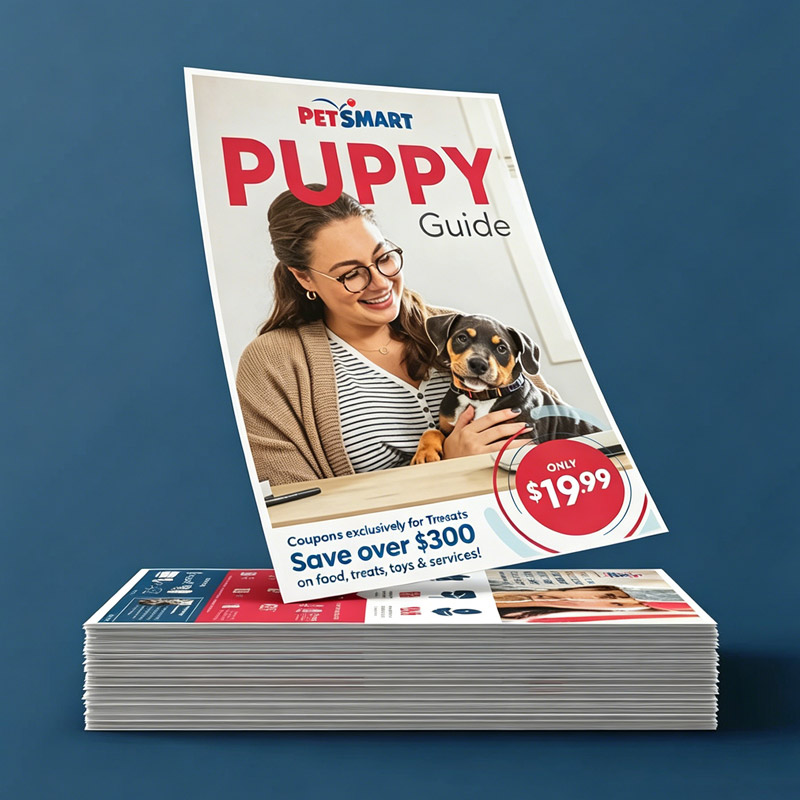
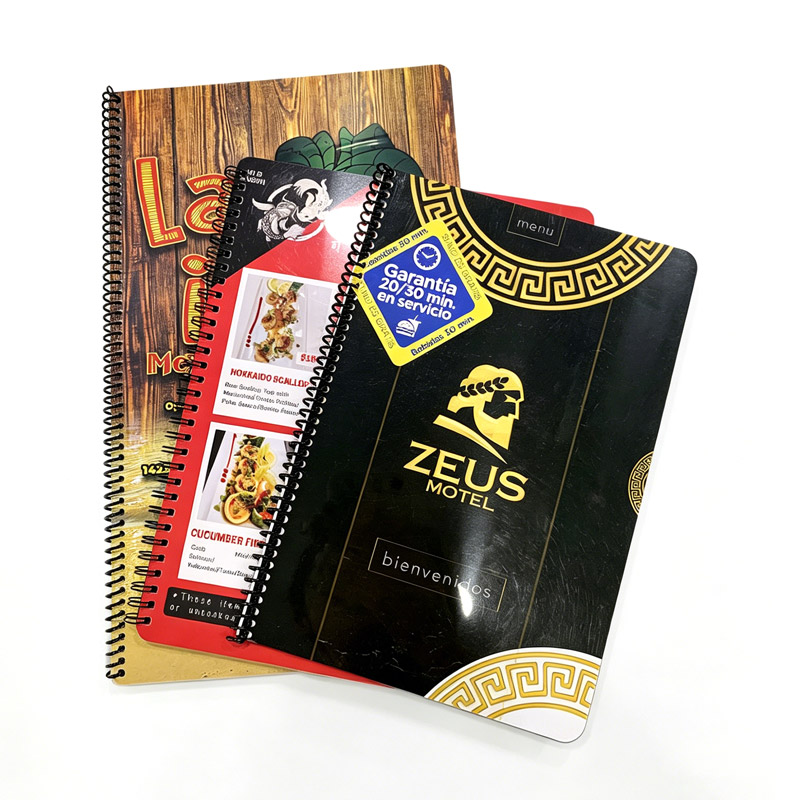
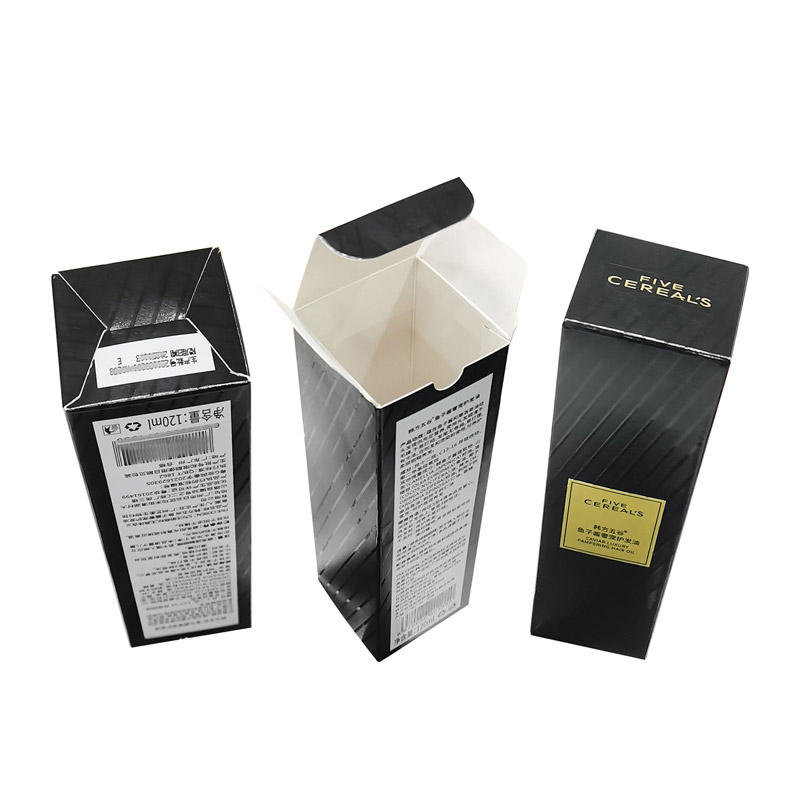
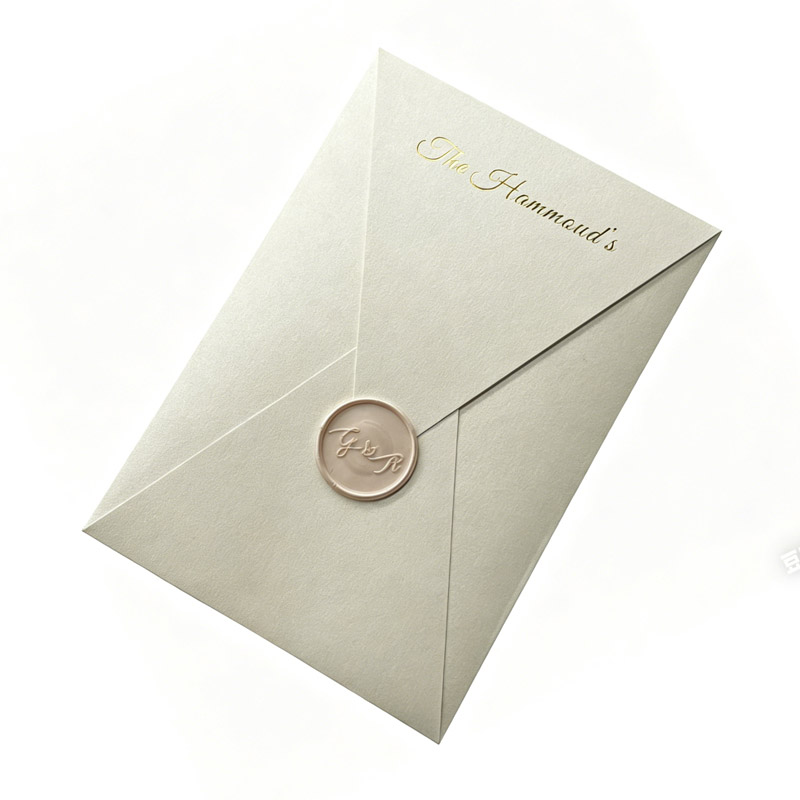
Different NFC destinations should be documented by store code and tested before production. Paper bags, card sleeves, menus, inserts, and boxes can follow the same approved brand file. Not every location needs every item.
How to Balance Headquarters Consistency with Local Needs
Create a Master Brand File
A master file should define approved logos, colors, typography, templates, QR/NFC placement, barcode areas, and version naming rules, showing which elements are fixed and which are open to local variation.
Separate Fixed and Variable Information
| Information type | Examples | Suggested owner |
| Fixed brand content | Logo, colors, main message | Headquarters or brand team |
| Store content | Branch name, address, local phone | Store or operations team |
| Member data | Member number, barcode, QR code | Loyalty or POS system owner |
| Campaign content | Opening offer, seasonal message | Marketing team |
This gives local teams flexibility without uncontrolled changes to the main identity.
Manage Store Codes and Replenishment
A version-control system should connect the brand, region, store, product, and revision. Use the same code in the artwork list, data file, production order, packing list, and carton label.
For repeat orders, confirm the artwork version, quantity by store, current code data, packing method, destination, and required date. Record any design or code revision before production.
From Headquarters Brief to Store Delivery
Step 1: Map the Workflow
Clarify where cards are issued, where QR codes are scanned, whether NFC uses fixed or store-specific links, which system stores member data, and who approves changes.
Step 2: Confirm Artwork and Data
Provide the store list, quantities, product versions, code data, packaging instructions, and artwork. Vector files or PDFs are useful; print files should follow the supplier's color and bleed requirements.
The restaurant or software provider should define the data structure and approve the final file. Do not assume that a supplier will generate or validate customer data unless confirmed.
Step 3: Review Samples and Readability
Check color, layout, finish, code readability, NFC link behavior, and packaging fit using the actual operating environment where possible.
Step 4: Produce and Pack by Version
The production file and packing list should use the same codes. Buyers may request cartons or labels organized by store, region, launch batch, or replenishment batch; confirm these requirements in the quotation.
What Buyers Should Confirm Before Ordering
Confirm card specs, code/NFC requirements, the existing scanner or digital system, number of locations and versions, quantity by store, fixed vs. variable information, packaging and labels, sample approval, delivery addresses, and the replenishment process.
Avoiding Common Multi-Location Problems
Use one approved proof, clear version codes, store-level quantities, and a final packing list. Keep local information inside approved variable areas, and work backward from the required in-store date instead of relying on an unconfirmed universal lead time.
How Coluf Can Support a Restaurant Chain Project
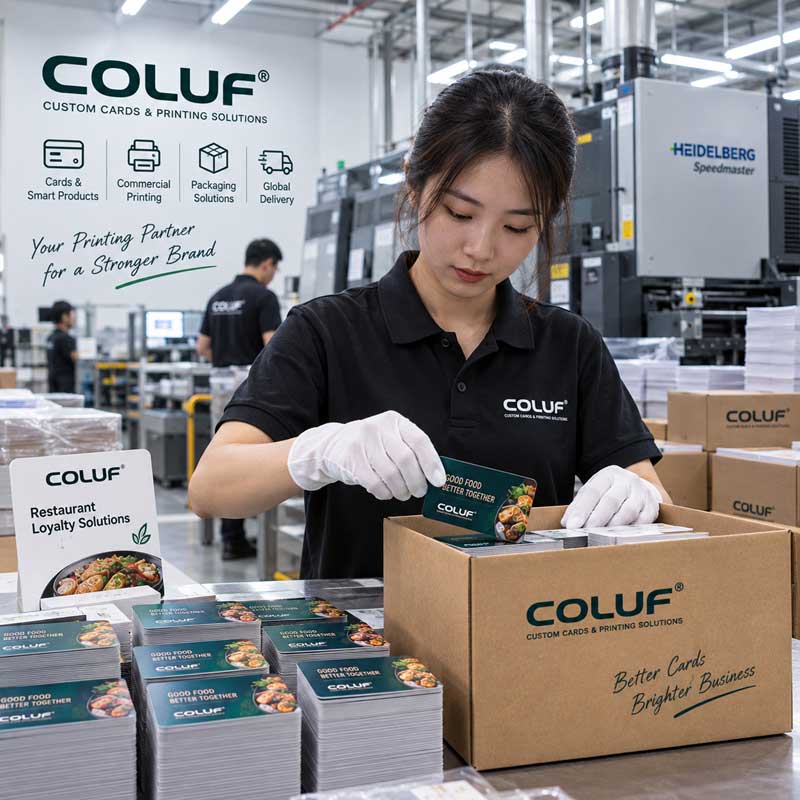
Coluf publicly presents cards and ID badges, RFID and NFC products, commercial printing and packaging, and accessories as its main product groups. Its existing restaurant page shows loyalty cards, packaging, and a smart NFC stand combined for one location — a related example, not evidence of a completed chain-wide project.
For a new multi-location project, Coluf can help coordinate the product list, artwork review, samples, printing, NFC/RFID requirements, packaging, and delivery plan, subject to the confirmed scope.
A quotation request should include the store list, quantities, artwork, data rules, packaging instructions, delivery addresses, and target date.
FAQ About Restaurant Chain Loyalty Materials
What products can be combined?
PVC loyalty cards, barcode/QR cards, compatible magnetic-stripe cards, NFC stands, paper bags, card sleeves, and packaging can all be combined depending on the restaurant's system and store workflow.
Should every store use the same card design?
The core brand design should remain consistent, while approved variable areas can contain store codes, addresses, or campaign information.
Can each store have a different QR code or NFC link?
It may be possible, but links and data should be documented by store code and tested before production. A supplier should not infer destinations from an unlabeled image folder.
Do loyalty cards automatically connect to POS or CRM systems?
No. The card, code, or NFC product must be configured for the existing system. Compatibility and data handling should be confirmed before ordering.
What should be sent for a quotation?
Send the number of locations, quantity by location, product combination, artwork, code data, packaging instructions, delivery addresses, and required date.

COLUF specialize in plastic printing, RFID solutions, and commercial printing services for global businesses.
Copyright © Chongqing Colorful Technology Co., Ltd. All Rights Reserved
 EN
EN